Indoor Parking Guidance System
Quick answer
Parkomate Indoor Parking Guidance Systems help drivers find available spaces using bay sensors, LED indicators, digital displays and real-time occupancy data.
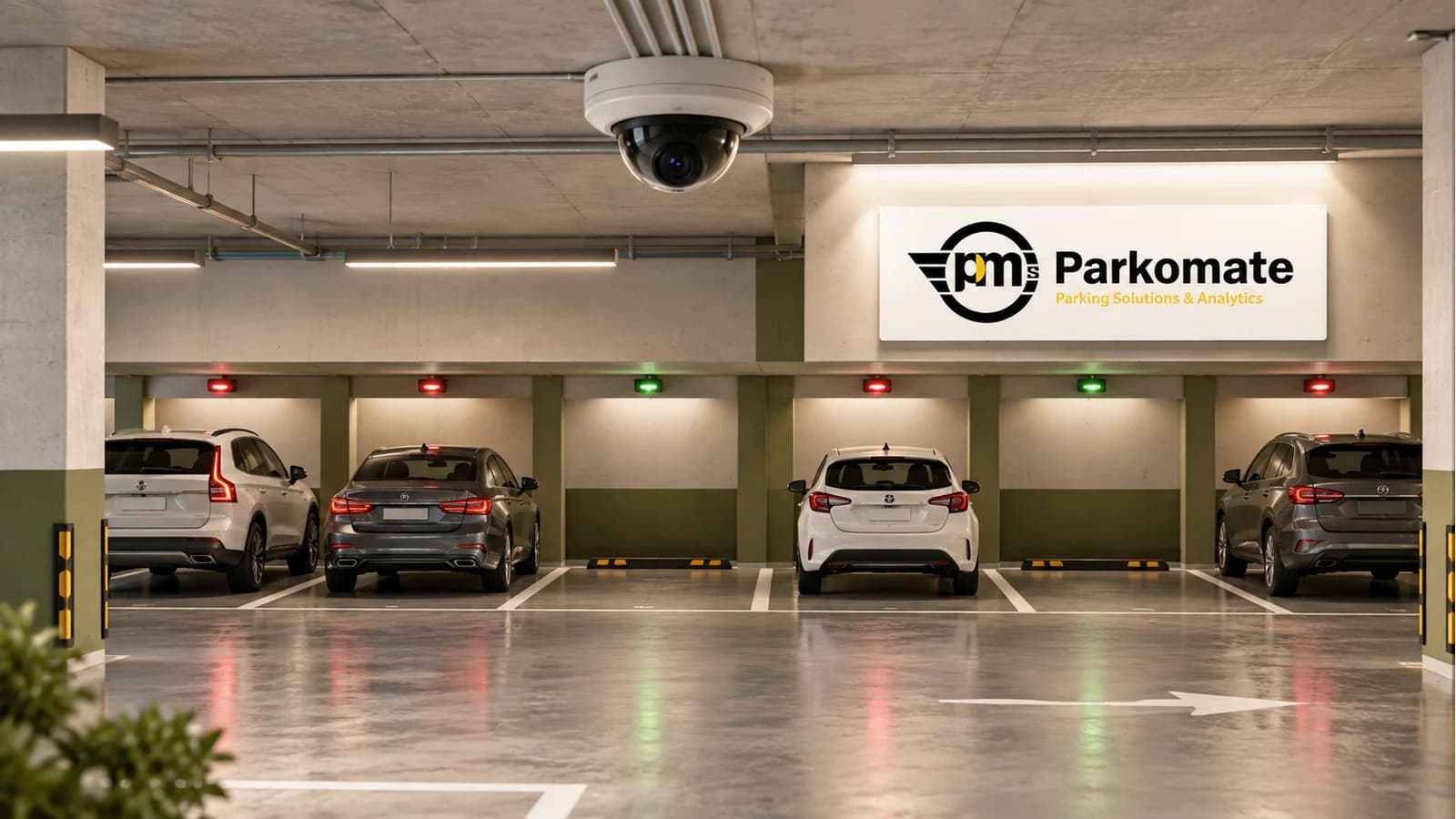
Parkomate Indoor PGS is an indoor parking guidance system for basements and multi-level parking decks. It uses bay-level detection, LED indicators, display boards and management software to show available spaces in real time and guide drivers without manual searching.
Specifications
- Deployment context
- Indoor basements, covered multi-level car parks, enclosed decks
- Detection options
- Bay sensor or AI camera configuration; final selection after site survey
- Guidance layer
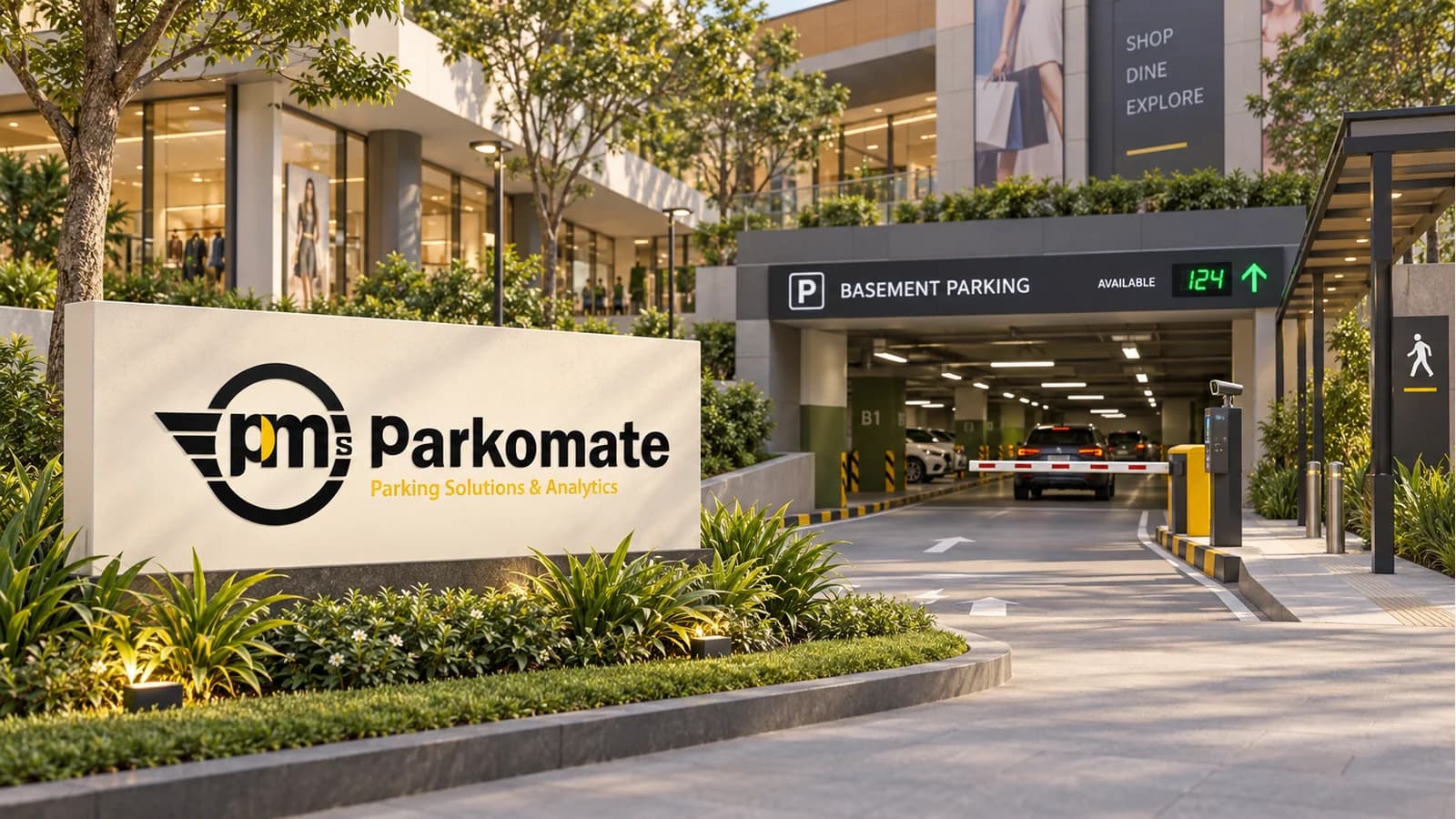
- Bay indicators, aisle/level display boards, entrance display boards
- Software
- PARKMINISTRATOR and Parking Analytics as needed
- Integration
- BMS, PMS, ANPR, boom barriers and APIs where required
- Civil readiness
- Cable routes, ceiling mounting points, power/network points, display mounting locations
How it works
A vehicle enters or leaves a bay inside the parking deck.
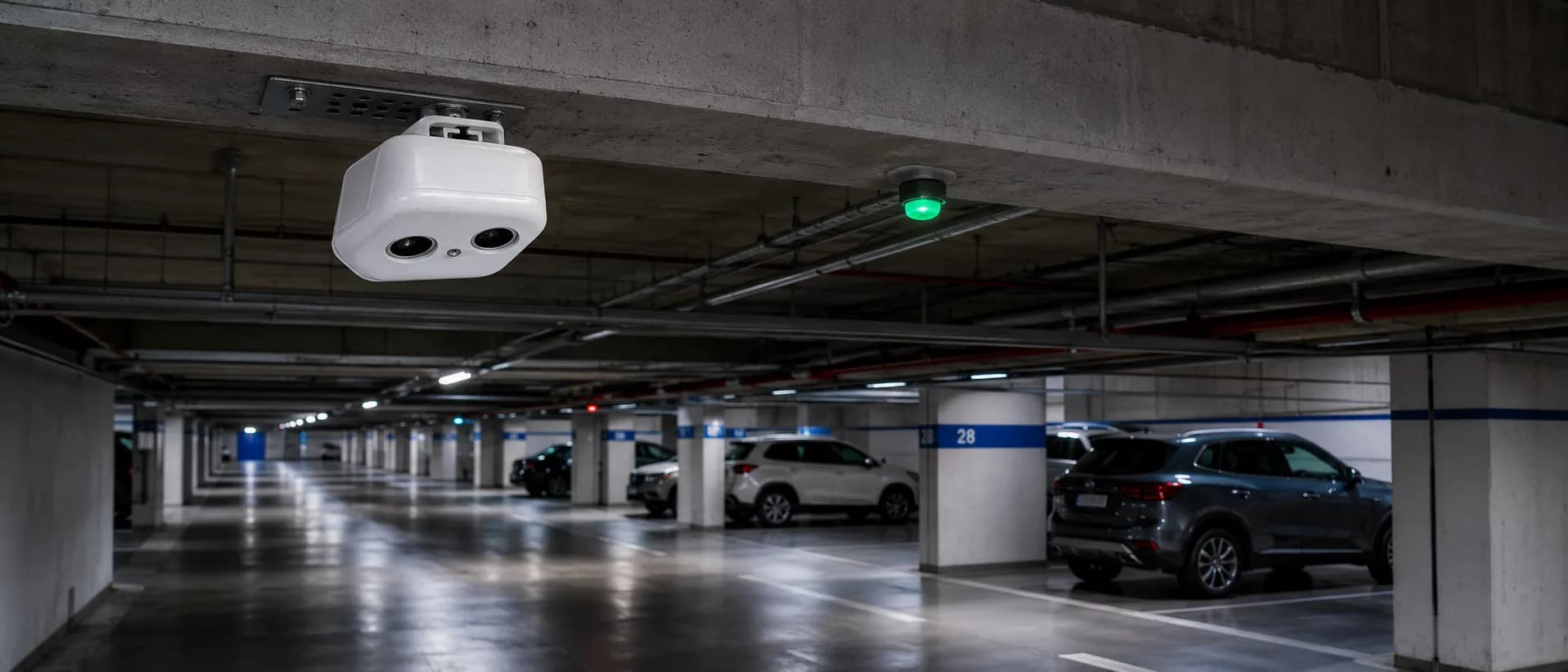
Ceiling-mounted sensors or camera-based detection units read bay status as per the selected design.
The controller updates the bay LED indicator and the zone availability count.
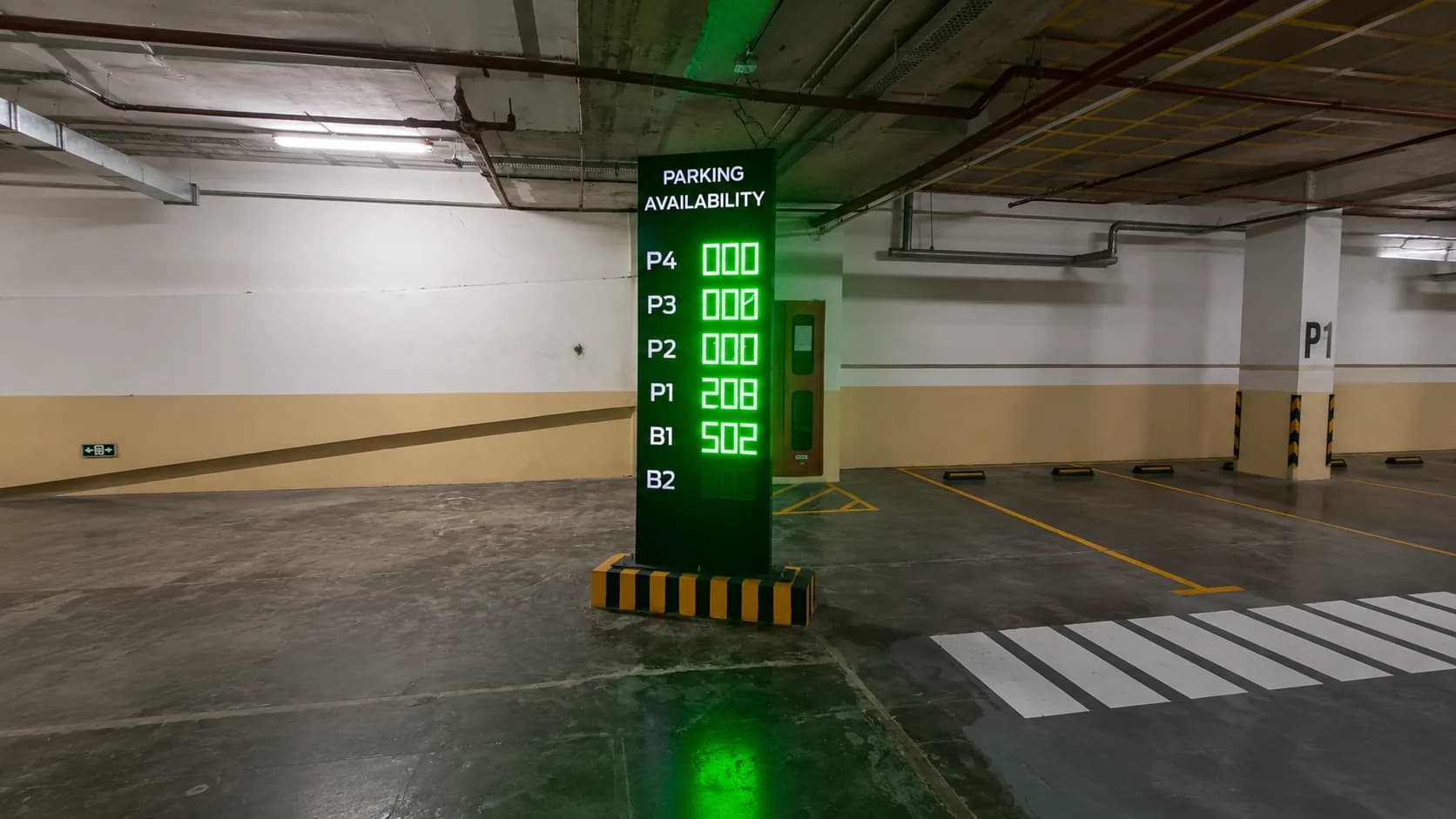
Display boards guide drivers to the level or aisle with open bays.
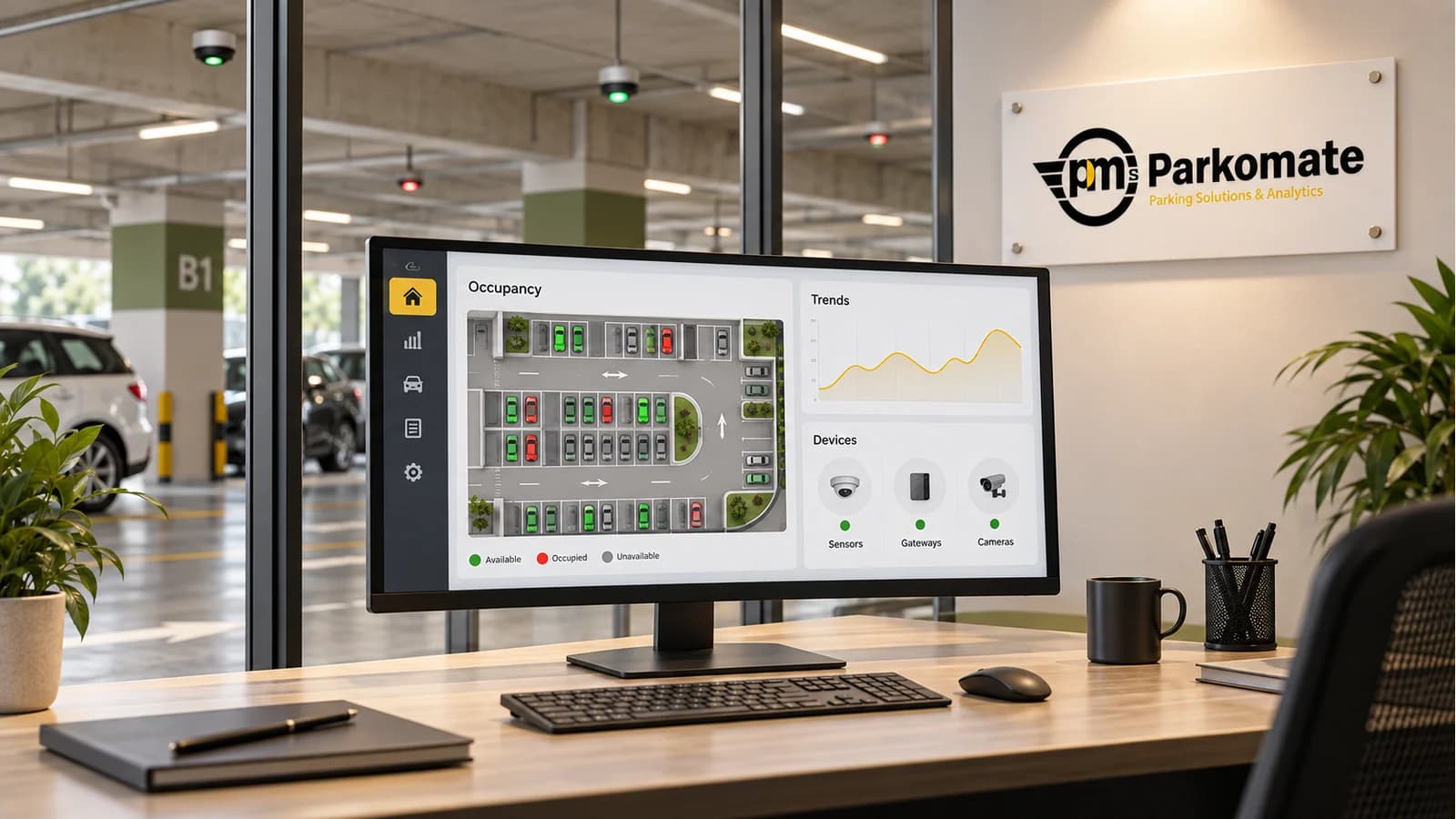
The dashboard stores occupancy data for operations and reporting.
Best suited for
Best for covered parking where bay status must be visible while drivers are moving. Use this when:
- The site is a basement, podium, mall deck, office tower, hospital parking level or residential tower.
- Drivers need red and green bay indicators or level-wise availability counts.
- The parking layout has multiple ramps, aisles, hidden bays or decision points.
Compare with: use Camera PGS when visual analytics, wrong-park detection or ALPR is useful, and Outdoor PGS for exposed surface lots and open rooftop parking. Indoor PGS works best where drivers cannot see available bays from the entry point.
Installation and civil requirements
- Final marked parking layout with bay numbering.
- Ceiling or beam mounting locations above bays and aisles.
- Power and network routes to controllers, cameras or sensors.
- Display board mounting points at entry, ramps and junctions.
- Access windows for installation without disrupting facility operations.
Solution components
1. Space specific parking indicators
sensors with multiple designs based on the needs of the parking. Detects the presence of car in the slot and changes the indicator between green(vacant) to red(occupied). Different colors based on the nature of parking i.e. blue color can be used for handicap parking spaces. These sensors relay the information to the counters and controllers which display the information to the counters at strategic places and the web platform.
2.Parking availability counters
information from the sensors is made visible on counters which are placed at strategic entry points and turns on the floor allowing the drivers to make an educated decision and move towards the closest available parking space. These counters are specifically designed as per the site and to match the overall aesthetics and branding of the site.
3. Controllers
The data from the sensors is stored and managed by the controllers. Counters showcase the information as directed by the controllers also the information is sent to the servers by the controller which is used for the web based platform for parking management.
4. Parkomates parking guidance platform
the data from the controllers is made available on the platform where the client can see the overall status of the parking occupancy, trends of parking occupancy, map view of the entire floors , legacy reports can be downloaded.
This is an advanced indoor parking sensor system designed to optimize parking management. It features tailored indicator and counter designs that enhance guidance, visibility, and space utilization within parking facilities.
Problems that Clients Face
- Difficulty in locating available parking spaces.
- Poor visibility of indicators in busy or large parking areas.
- Lack of real-time information on parking availability.
- Inefficient guidance, causing traffic congestion within parking spaces.
- Aesthetic mismatch with the facility’s design and branding.
Solution this Product Offers
- Indicator Design Options: Small Point Indicators: Discreet and seamless, blending with the facility’s aesthetics. High-Impact Indicators: Bright and highly visible for easy spotting in busy environments.
- Counter Design Options: Numeric Displays: Clear and simple real-time parking availability information. Dynamic Directional Counters: Show availability along with directional guidance. Multi-Directional Counters: Ensure visibility from multiple angles. Aesthetic Customization: Allows branding with customized colors, alignments, and designs.
Result That this Product Can Produce
- Faster and easier parking space detection.
- Reduced congestion and improved traffic flow within parking areas.
- Enhanced user experience with clear, real-time parking guidance.
- Improved facility aesthetics and brand integration.
- Optimized space utilization, leading to better efficiency.
Product Brochure
Product in Focus


FAQ
Common questions
What is an indoor parking guidance system?
It is a system that detects whether indoor parking bays are occupied or available and guides drivers through LED indicators and display boards.
Can Indoor PGS work in an existing basement?
Yes. Existing basements can be upgraded after a site survey for ceiling height, cable routes, bay markings and display locations.
Does Indoor PGS need one sensor for every bay?
Not always. A camera-based design can monitor multiple bays per camera, while some sites may use individual bay sensors. The final architecture depends on the site.
Can it connect with Find My Car?
Yes, when plate or slot data is captured accurately, the same infrastructure can support Find My Car workflows.
What should be ready before installation starts?
Parking bay markings, numbering logic, mounting access, power points, network routes and operating permissions should be ready before work begins.