
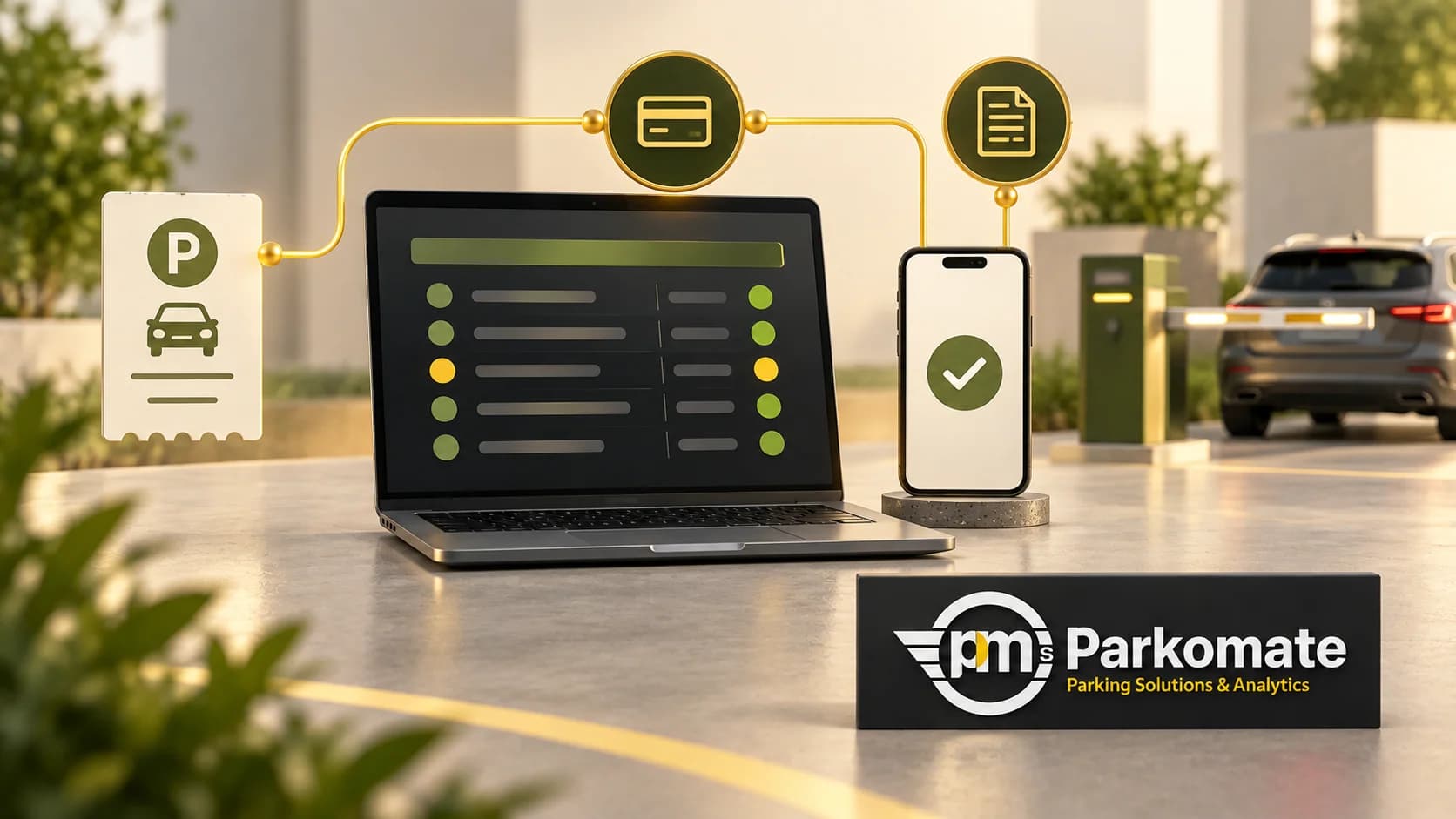
The software demo shows a clean map and a list of vehicles. Your building has a staff peak at 9 am, visitors who need approval, a delivery lane and a guard who must keep traffic moving when a record is wrong. The buying question is whether the proposed system can support that working day.
Parking management software connects vehicle events, access rules, equipment actions and records. A useful implementation plan starts with the people making decisions, then works back to the screens and integrations they need.
Bring five real workflows to the demo
Choose an ordinary staff arrival, a first-time visitor, a service vehicle, an approved exception and a shift handover. Remove personal details and write down the expected decision at each step.
For the staff arrival, who maintains the permission? For the visitor, who approves it and when does it end? For the exception, what can the operator change? At handover, what remains open for the next shift?
Ask the supplier to demonstrate these situations using sample records. A feature can exist in a menu yet still need configuration before it fits your site.
Decide which record owns each fact
List the sources of vehicle identity, entitlement, occupancy and payment information. A plate captured at a gate, a tenant list maintained by the property team and a bay sensor event are related, but they do not mean the same thing.
Write down which system is authoritative for each field and who can correct it. If another application supplies tenant details, agree how changes arrive and what happens when that connection is unavailable. Avoid a setup in which two teams edit the same permission in different places without a reconciliation rule.
PARKMINISTRATOR, our Parking Management System, brings occupancy, vehicle-category rules, equipment commands, billing audit logs and reports into one software layer. Local, cloud and hybrid setups are available to suit the project architecture. Confirm the exact data sources and integrations for your proposal.
Give equipment an observable acceptance test
Choose an event and follow it through the installation. A vehicle arrives; its record appears; the permission is applied; the agreed barrier or display action occurs; the event is available for review.
Check what happens when one part does not respond. Staff need to know whether they are looking at an access refusal, a missing event or an equipment fault. Test the approved fallback with the responsible site team rather than discovering it during the first busy shift.
ANPR, boom barriers and LED displays may belong in the same proposal, but each solves a separate part of the journey. Our Bangalore tech-park page describes an entry/exit-system deployment, without specifying every optional software or identification module. Use its access-point context to sharpen your own scope.
Keep operator access proportionate to the job
A guard may need to find a vehicle and record an approved exception. Finance may need exports. A property administrator may manage permissions. Ask for those roles to be demonstrated separately, including an action each role should be unable to perform.
OWASP recommends giving users only the permissions their work requires and checking authorisation on each request. That is a useful basis for these supplier questions, not a claim that a product has passed a security assessment. OWASP's authorisation guidance explains the principle.
Make the first week reviewable
Agree a controlled rollout plan, staff training and an owner for unresolved issues. Keep a list of exceptions and compare actual decisions with the approved rules. Choose a rollback or fallback procedure with the site team before the changeover.
At the end of a trial shift, ask an operator to show the next shift what remains open. Ask finance to identify a sample charge or exemption. Ask the facility manager to explain the occupancy figure. Those checks cover different responsibilities and should not be replaced by one successful login.
Does PMS require bay sensors? The required data depends on the decision. Gate events can support access and movement records; a bay-level view needs suitable bay-level detection.
Is cloud always the right choice? Decide against site connectivity, support responsibilities and the agreed architecture. The proposal should explain what continues locally during a connection problem.
Bring the five workflows, an equipment list and a redacted report to a PMS demonstration. That will help define a working system and the evidence needed to accept it.