
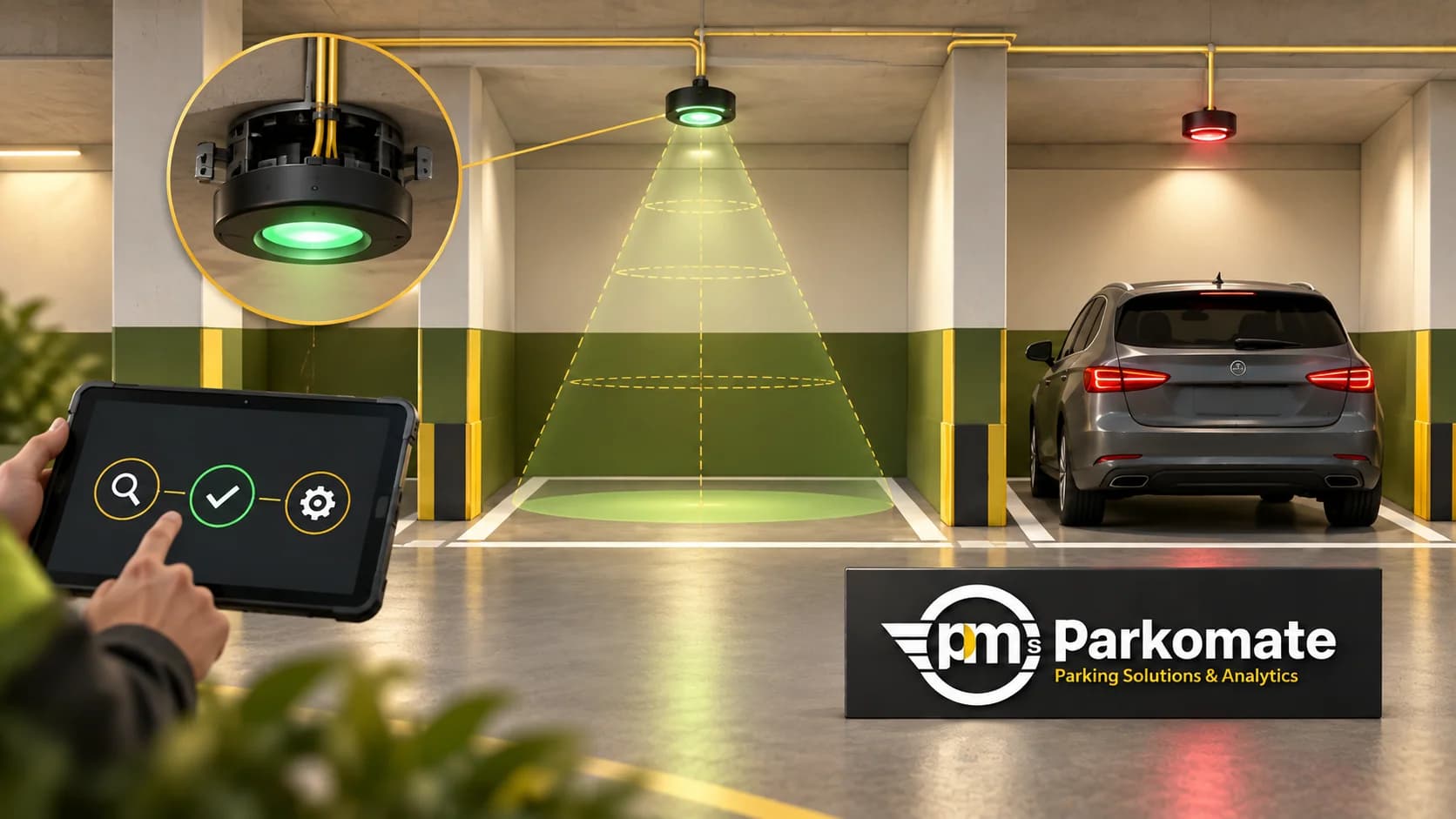
A driver follows the green indication and finds a car already parked. The immediate response may be to blame the sensor. Before changing a setting, establish where the physical bay and the displayed information stopped agreeing.
Incorrect availability can involve the detected state, an old event, the wrong bay reference, a zone rule or the display itself. This troubleshooting sequence is designed for facility teams gathering useful evidence for authorised support staff, not for making unapproved electrical or calibration changes.
Record one clear mismatch
Note the time, physical bay number, displayed state and what is actually present. If the site permits a photograph, frame it to show the bay and indication while avoiding unnecessary personal information. Record whether the mismatch is still present or has already cleared.
Ask how the issue was noticed. A bay indicator, a floor count and an entrance display may describe different areas. Identifying the exact wrong instruction prevents the support team from investigating the whole site as if every device had failed.
If drivers are being sent to an unusable area, have the responsible site team apply the approved temporary guidance procedure while the issue is investigated.
Confirm the bay identity first
Compare the painted bay number with the device reference and software map. Check for recent repainting, renumbering, movement of a device or changes to a camera's monitored area.
A correct detection linked to the neighbouring bay can look like an unreliable sensor. Under a controlled test, observe which software record changes when the affected bay becomes occupied and then available. Keep the mapping evidence before asking for sensitivity adjustments.
The PGS commissioning guide describes the same bay-to-display chain used during handover. That record is a useful baseline when a fault appears later.
Look at the latest event, not just the colour
Find the latest reported state and its time. Ask the support team whether the device is communicating normally and whether the dashboard is showing a current or last-known value.
Parkomate's Outdoor PGS uses geomagnetic sensors that report through LoRaWAN gateways. Its published installation requirements include gateway power and network backhaul. A wireless bay sensor still depends on the rest of that reporting path, so evidence from the gateway and server may matter as much as the bay itself.
For any architecture, compare observed updates with the agreed model-specific behaviour. Do not assume that a state must change instantly or adopt one timeout for every type of detection.
Check the conditions relevant to the installed design
For Camera PGS, ask the authorised team to review the view of the affected bays, markings and lighting against the accepted installation. Record any new obstruction or change since the system last worked as expected.
For an indoor bay-sensor installation, compare mounting and the surrounding bay layout with the approved drawing and supplier instructions. For outdoor sensors, report changed markings, surface work, damage or anything that affects access to the installed unit.
These observations help support staff choose the right test. They do not prove a particular cause. Calibration, firmware or electrical changes should follow the approved model procedure and be performed by the responsible team.
Compare the bay with its zone and display
If the bay record is correct, inspect the count that includes it. Confirm the zone boundary and how closed, reserved or otherwise excluded bays are treated. Then compare the server's intended count with the physical sign.
LED Display and Signage receives availability from the connected parking system. The wrong number on a board is therefore not, by itself, evidence that every sensor in that zone is wrong. Track the count and destination through the configured path.
Where Parking Analytics is included, check for hardware warnings and the affected reporting interval. Keep missing data distinct from an empty bay.
Close the issue with a retest
After the authorised correction, repeat the original occupied-and-available sequence and inspect the relevant zone and display. Record what changed, who changed it and the observed result. Keep recurring issues visible rather than clearing the history when a warning disappears.
For a multi-level facility, the Mumbai parking-guidance reference provides a useful driver-wayfinding context. It is not a diagnosis of this fault or evidence that the same sensor model is installed at your site.
Should we reset everything first? Preserve the evidence and follow the approved support procedure. An unexplained reset can remove the state the support team needs to inspect.
Does one incorrect bay mean all sensors need replacement? Establish the scope and cause first. Mapping, reporting and display checks may point to a different part of the system.
Bring the bay reference, timestamp, latest event and commissioning record to Parkomate support or a site discussion. A precise example is easier to investigate than a report that the entire display is wrong.